
1.9 KiB
Supercomputer
This adds some features that are useful on supercomputers running the Slurm-Tool for job-allocation.
plugins=(... supercomputer)
Aliases
| Aliases | Command | Description |
|---|---|---|
| sq | squeue -u $USER |
Get jobs of the current user |
Functions
-
treesizethis: Lists largest folders/files in current directory -
slurmlogpath $SLURMID: Returns the path of the.out-file of the$SLURMID -
pretty_csv: Pipe CSV files into this and it will auto-format them as table -
showmyjobsstatus: Lists your jobs and shows their estimated starting time (needswhypending) -
ftails $SLURMJOB: Follows the.out-file of the job$SLURMID. If no ID is given, it follows the first job available bysqueue -u $USER -
countdown $SECONDS: Shows a blocking countdown timer that lasts for$SECONDSseconds -
mongodbtojson $IP $PORT $DB: Creates a JSON-file from that mongodb-database -
rtest: Creates a random non-existanttest-folder in the form of$HOME/test/randomtest_$RANDOM -
mcd $NAME:mkdir $NAME; cd $name -
echoerr $MSG: Prints a message to STDERR -
red_text $MSG, green_text $MSG, debug_code $MSG: Prints messages on different colors -
warningcolors: Sets warning-colors variables for whiptail
Slurminator
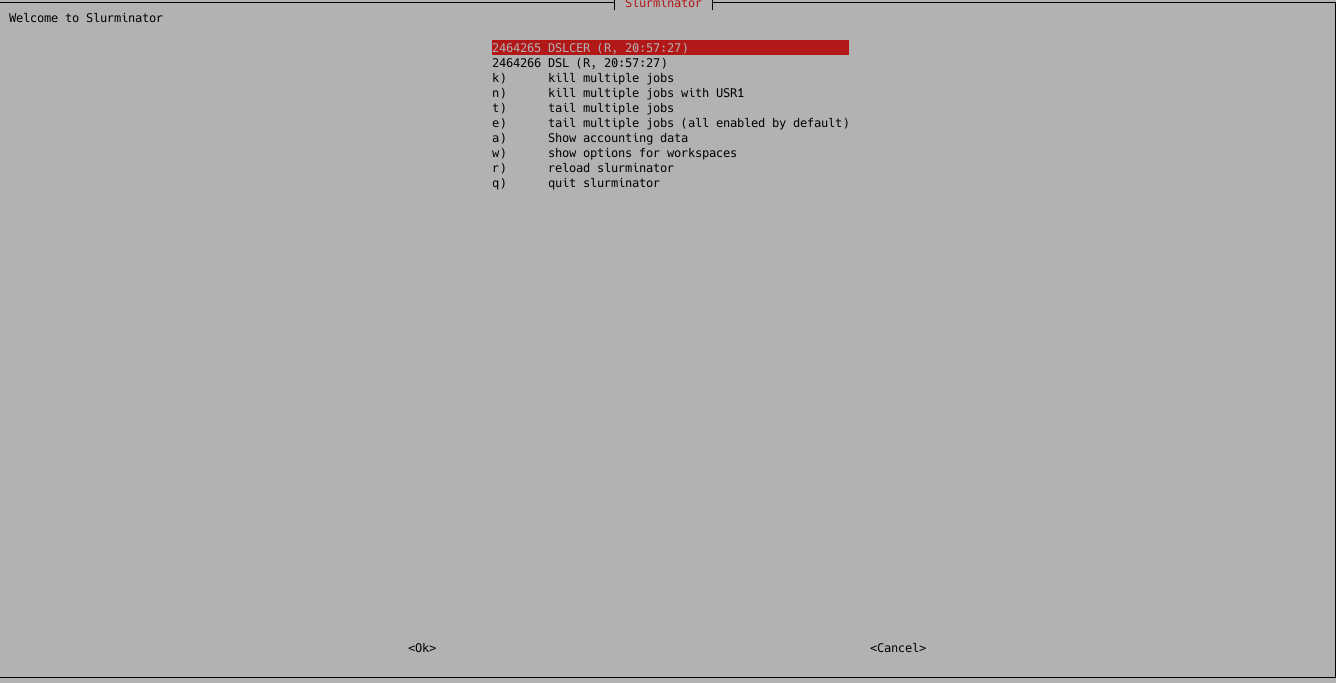
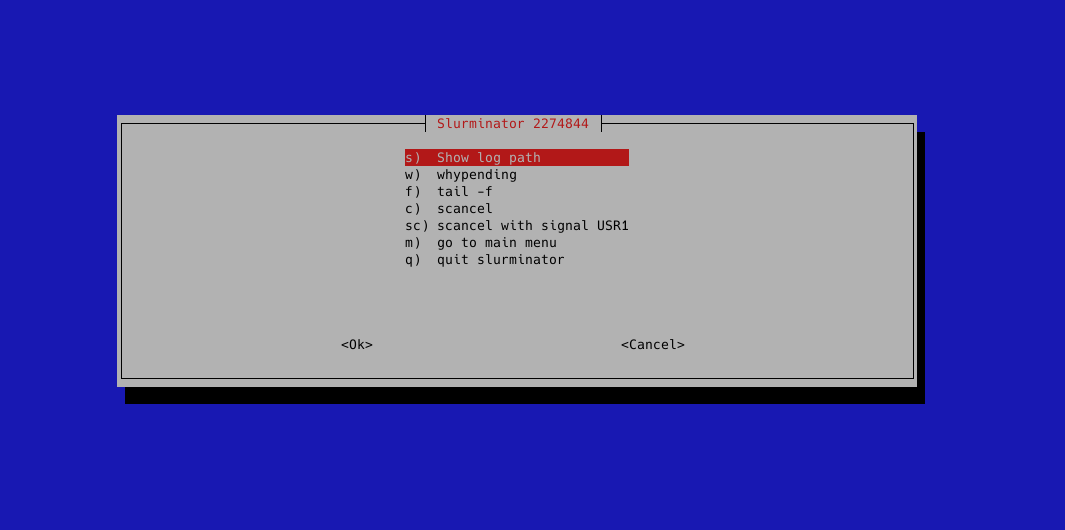
Enter slurminator to get a whiptail-GUI from which you can control jobs, kill,
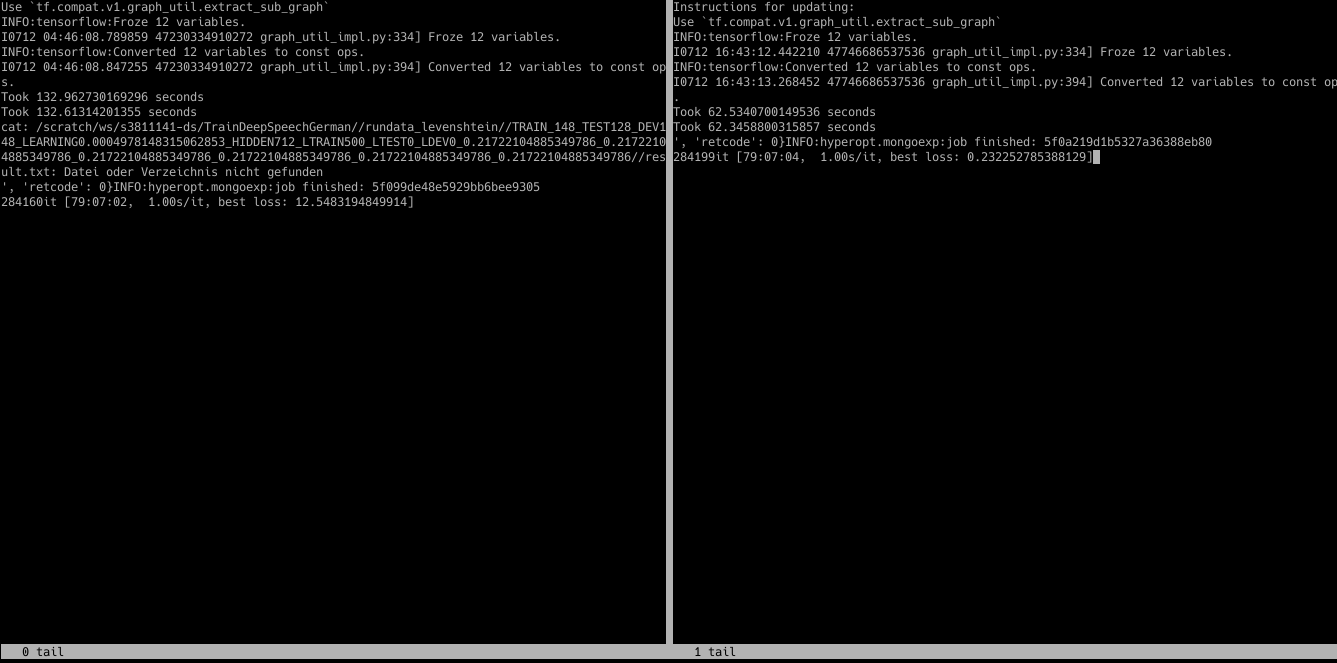
send signals to multiple jobs at once, tail multiple jobs at once, control workspaces
(if available) and a lot more.

Requirements
You need a working Slurm-Installation with ZSH for this. Also, whiptail for the Slurminator.