mirror of
https://github.com/ohmyzsh/ohmyzsh.git
synced 2026-07-31 06:04:45 +02:00
| Filename | Latest commit message | Latest commit date |
|---|---|---|
| .. | ||
| git-commit-template.plugin.zsh | ||
| README.md | ||

git-commit-template plugin
To better write git commit messages, we can use template to specify the desired description and type of message.
To use it, add git-commit-template to the plugins array in your zshrc file:
plugins=(... git-commit-template)
Learn This Articles
Usage
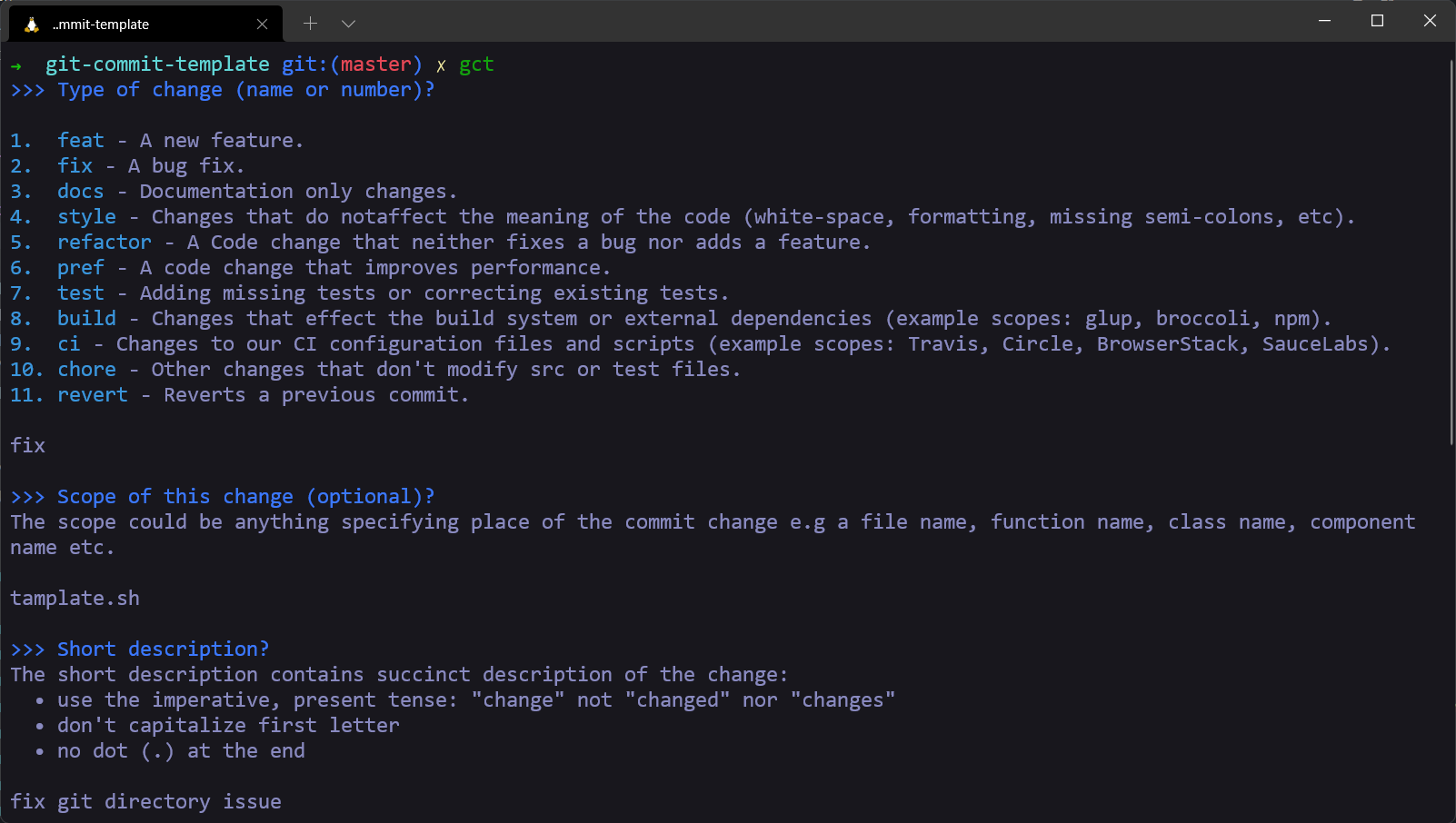
All you have to do is call the gct command and fill in the items that
are not optional at each step to prepare the message format.
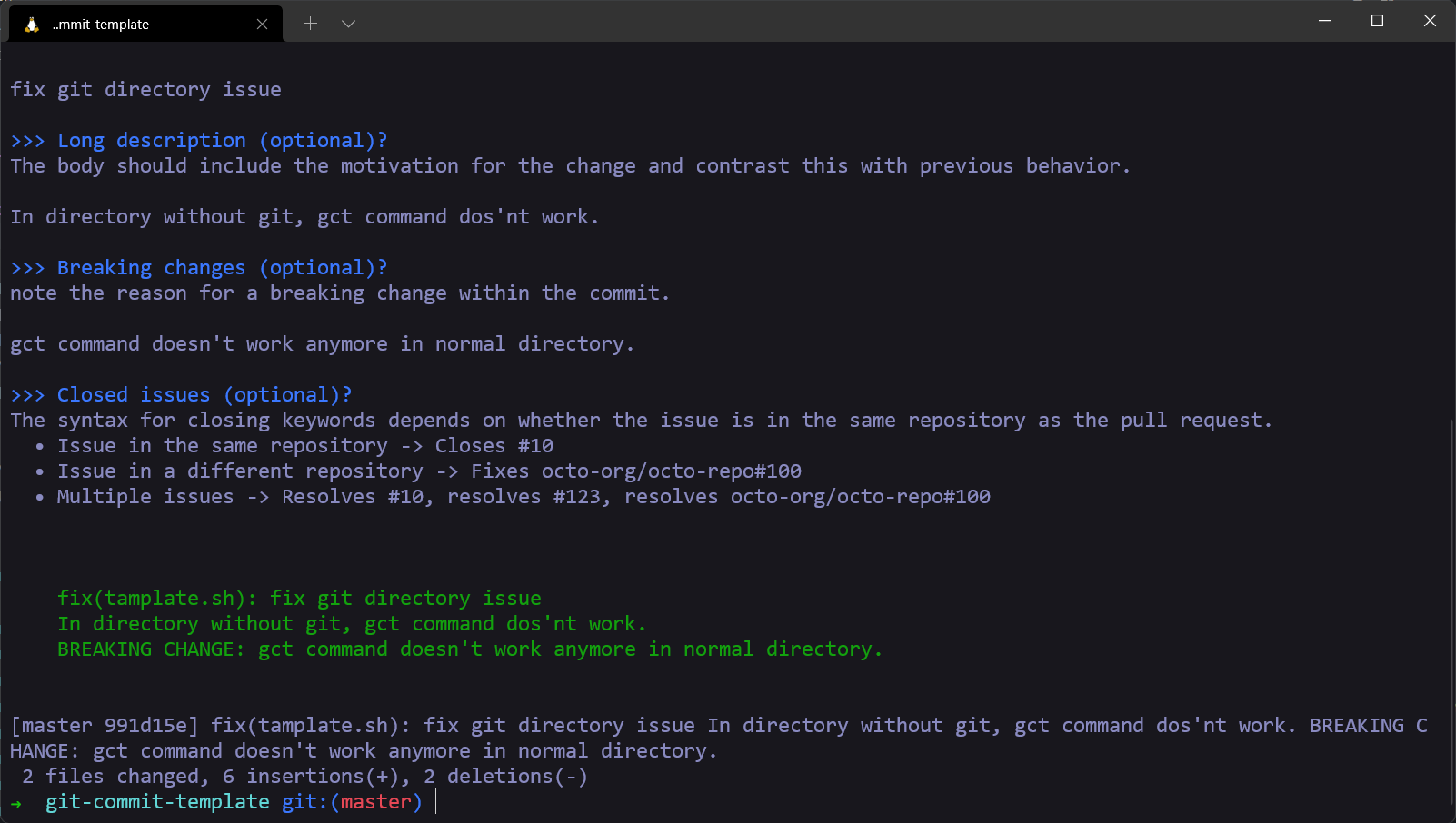
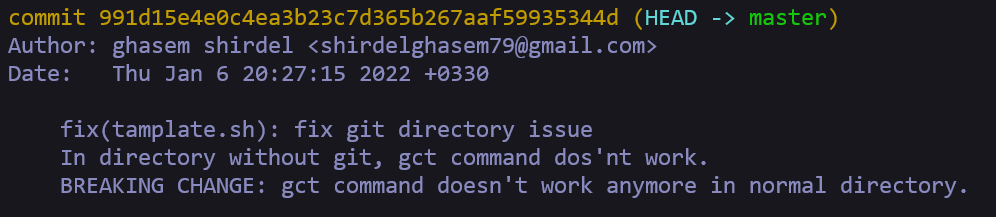
With the git log command, we can see the message that we committed.
signature
You can use -s or sign to add a signature to the gct.
➜  gct -s
➜  gct sign